
A monitor plays a key role in Universal Verification Methodology (UVM). It tracks the actions of the system under test. It gathers the levels of transactions within the interfaces without compromising the design. Monitors are devices that observe system signals without interfering. They simply forward these signals to other components for analysis. This makes the verification process error free and effective.
A UVM monitor is passive in its operation, that is, it does not drive any signals. Rather, it is all about data gathering and events reporting. This makes it a key part of a testbench. It helps engineers ensure the design is working correctly. With such data, testbenches are able to detect the failure of the error and discrepancy of the actual and expected results.
Lastly, monitors give organized information to other UVM elements such as the scoreboard or coverage collectors. They make sure that the verification environment is able to monitor the performance and correctness of the system. Proper usage of monitors can simplify the process of debugging and increase the quality of verification in general.
Understanding a UVM Monitor
A UVM monitor is nothing other than an interface between the design signals and the verification environment. It monitors the activity within the design under test and transforms them into meaningful transactions. The existence of monitors enables other UVM components to study behavior without affecting the system.
The monitor uses sequence items or transactions in order to bundle information. These products bear signal values, timing information, and metadata. In this way, the monitor will ease interaction between the monitor and the testbench. This is used to encourage engineers to concentrate on the functional correctness and coverage measures instead of low-level signal details.
Also, monitors will have various interfaces at the same time. This enables them to manage the difficult designs which include the multi-channel buses or parallel communication systems. They filter and process data effectively and only relevant information is sent to the testbench.
The Major Duties of a UVM Monitor.
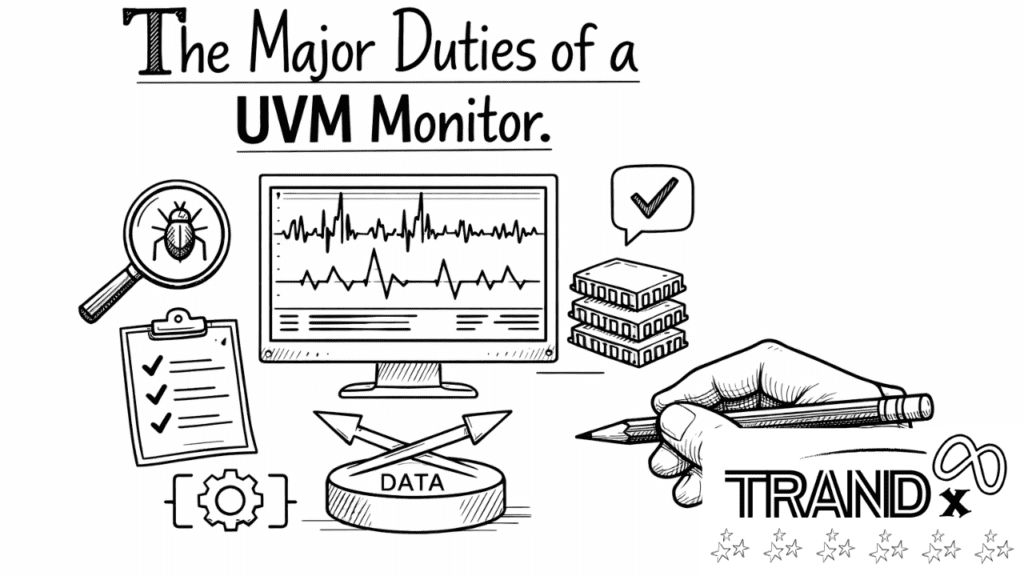
A UVM monitor is endowed with a number of significant roles. First, it monitors interfaces and captures transactions without affecting design functionality. It then sends the captured data to analysis modules like scoreboards, coverage collectors, or sequencers. Third, it can also identify violations of protocols, and the engineers can be warned of possible design errors.
Monitors as well isolate the testbench and the DUT giving a clean separation of concerns. This modularity enhances reusability whereby a monitor can be used on other designs with little modifications. Properly designed monitors provide strong and serviceable verification environments.
Structure of a UVM Monitor
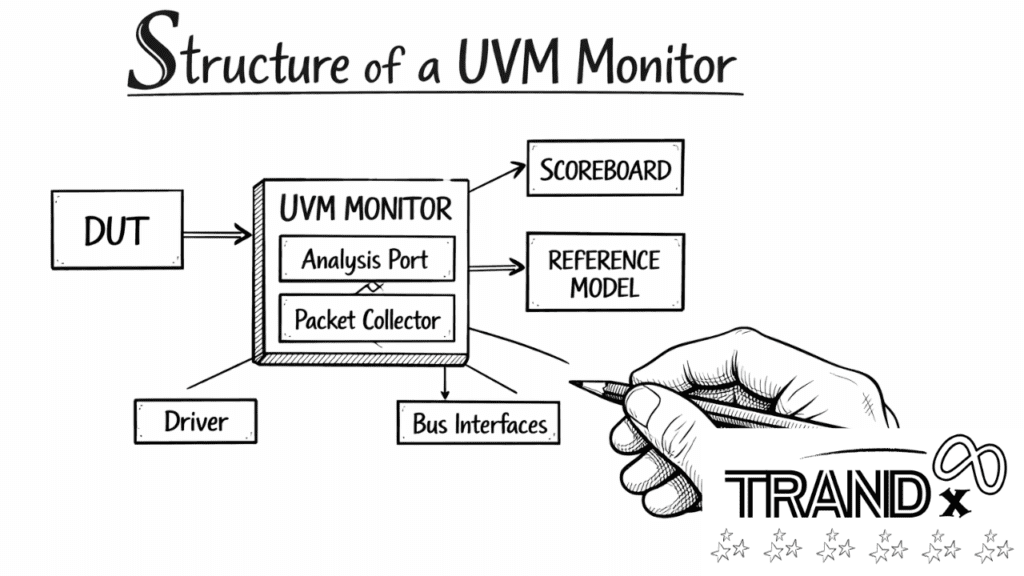
A UVM monitor is typically divided into three components: the interface analysis, transaction generation and data reporting. Changes in the signal of the DUT are captured by the interface analysis. These signals turn into transaction objects through transaction generation. UVM components can then process them. Finally, the data sends these transactions to analysis ports. This makes it easy to integrate them with the rest of the testbench.
The structure enables the monitor to work on its own but still share valuable information with scoreboards or viewer models. The transaction objects can be tailored to suit protocol and verification objectives of the design by engineers.
How to Create a UVM Monitor
To develop a UVM monitor there are a number of steps:
- Identify the interface signals to monitor.
- Develop transaction classes which capture the data in observation.
- Install the monitor class, which is a derivation of uvm_monitor.
- Install ports of analysis to interact with other check-up parts.
- Immigrate the monitor into the environment and agent.
By using these steps, it is argued that the monitor can effectively record and relay useful information. The correct installation also reduces the mistakes and improve the reliability of testbenches.
UVM Monitor Example
Imagine a monitor that is looking at a basic D flip-flop. The clock and input signal are observed by the monitor, which takes the value of the output at the edges. The values captured are then converted into transactions and transmitted to a scoreboard where the results are compared with those expected.
This is an example of a monitor that can be used to automatically verify and be passive. With the ability to separate observation and driving, engineers are able to debug quicker and produce more precise results.
Best practices in UVM Monitors.
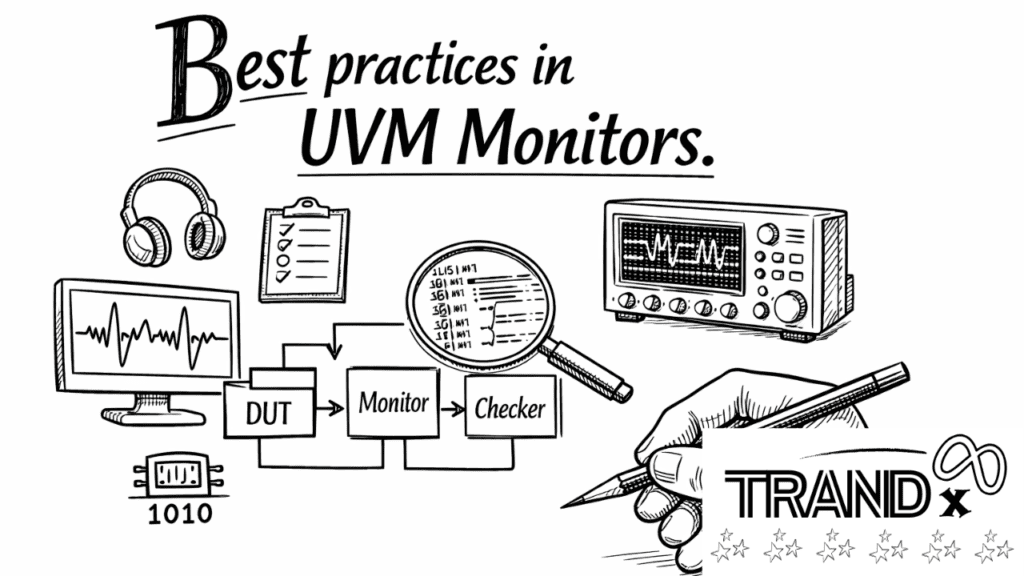
Non-intrusive operation: Do not drive; merely observe.
Communication that is transaction based: Processes signals into transaction.
Send data to scoreboards or coverage models: Use analysis ports are used to send the data to scoreboards or coverage models effectively.
Re-use design:Flexibility of monitors to be used across projects.
Adherence to the protocol: Monitor ought to identify breaches properly.
These practices will provide maintainable, scalable and robust verification environments.
Summary
A UVM monitor is an essential (but passive) element of a testbench. It intercepts messages, produces transactions and conveys signals to the parts of analysis, making sure that they are properly verified. With a best practice, engineers can simplify the debugging process, enhance coverage, and have a modular environment. Monitors ensure that the verification process is easier, quicker and more dependable.
FAQs
What is a UVM monitor?
One of the components is a UVM monitor, which monitors design signals and transforms them into transaction objects to be analyzed.
Is there a monitor drive?
it is passive and does not cause any signals in the design.
What is the significance of a monitor in UVM?
It gives information to the scoreboards and coverage models to aid in the proper functioning.
Is a monitor capable of supporting multiple interfaces?
Yes, several interfaces may be observed using monitors, and the complex behavior of the system is recorded.
What is the benefit of a monitor on verification?
It can test freely by separating observation from driving. This way, it gathers accurate, non-intrusive data.
What is an analysis port in a UVM monitor?
Ports of analysis are those that transmit data of the transactions to other parts of the testbench.
What is the use of a transaction object?
Transaction objects contain observed signals, timing, and metadata to be analyzed through verification.
What is the distinction between a monitor and a driver?
Signals are monitored, whereas stimuli are actively provided to the DUT by a driver.
Does a monitor identify protocol breaches?
Well, monitors can verify the violations and make the report to the testbench.
How do you put in place a monitor of a flip-flop?
Get capture clock and input signals, create transactions and transmit to a scoreboard to compare.